Create a Mailchimp Audience
Create your Mailchimp audience so you can import and collect new contacts for your emails.

Get the job done with a pro
From training to full-service marketing, our community of partners can help you make things happen.

QuickBooks makes managing your finances easy and integrates with Mailchimp, allowing you to use your paid invoices to create smarter, more personalized marketing campaigns.
Groups are specialized audience fields that let contacts self-categorize based on interests or preferences from the responses you set. Use groups to collect data about a contact, like favorite foods, preferred store locations, or anything else you want to know.
In this article, you'll learn 2 ways to create groups in your audience.
Here are some things to know before you begin this process.
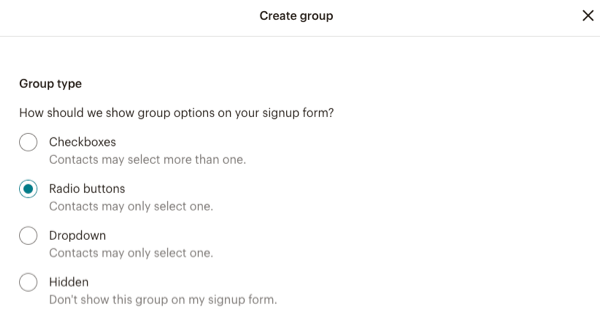
To create a group from the Groups page, follow these steps.
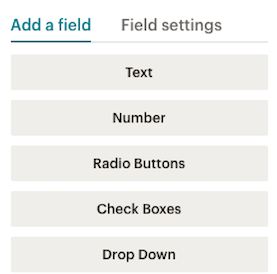
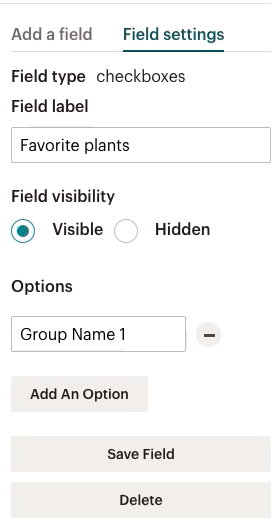
To create a group on your signup form, follow these steps.
Technical Support

Have a question?
Paid users can log in to access email and chat support.
Create your Mailchimp audience so you can import and collect new contacts for your emails.
Use Mailchimp's groups to organize subscribers based on their interests and preferences.